Tune in to the news on Radio Cabane!
Shooting stars, windy spots, Bazar and Clapotis nearby: switch on a radio and it tells you what is going on around your home.
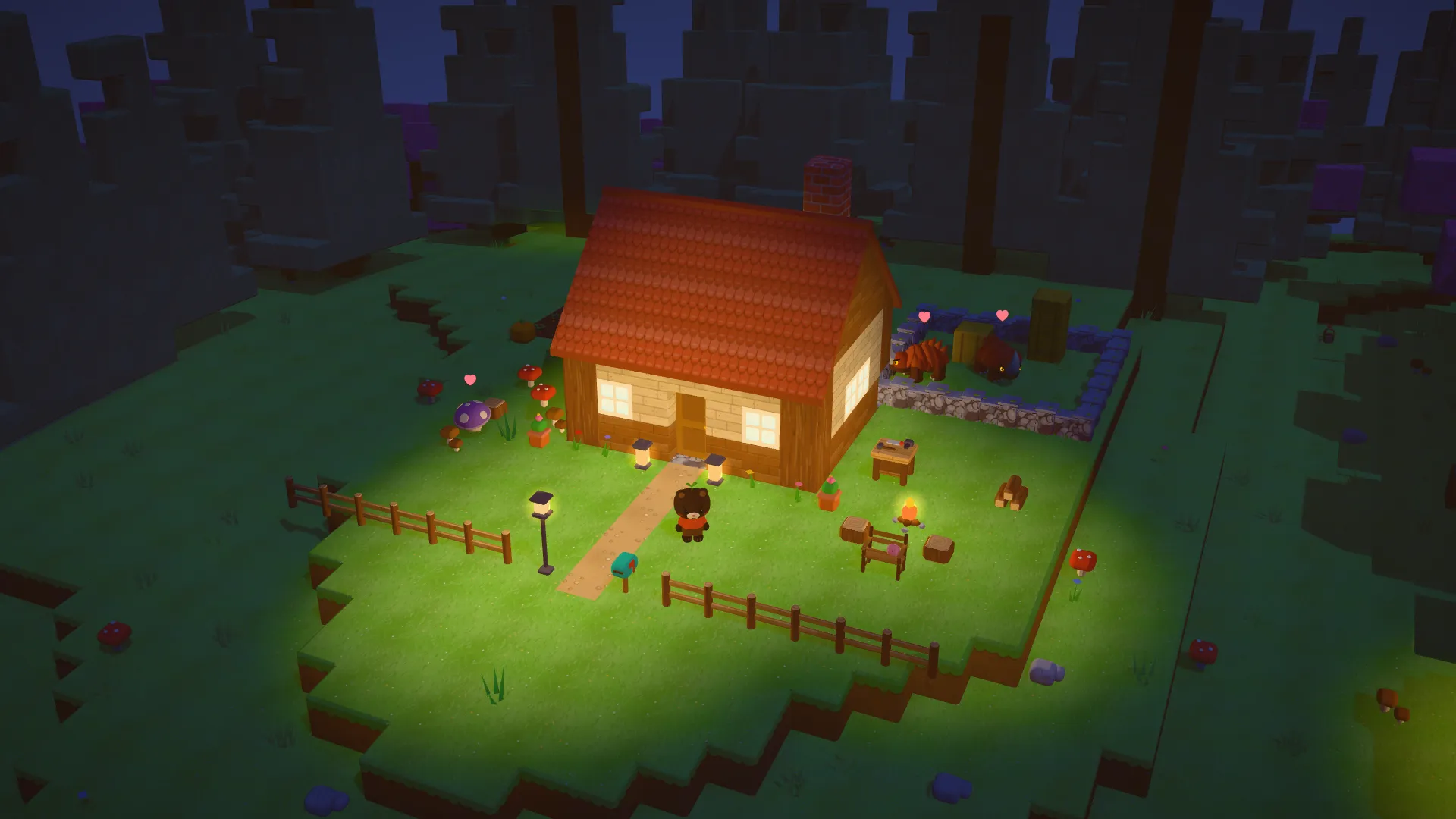
Switch on a radio and tune it to Radio Cabane, the first station, just before the music. The news appears at the bottom of the screen, one line at a time, and each line stays up for seven seconds. The world stays in view all around, so you can listen while you sort out your bag.
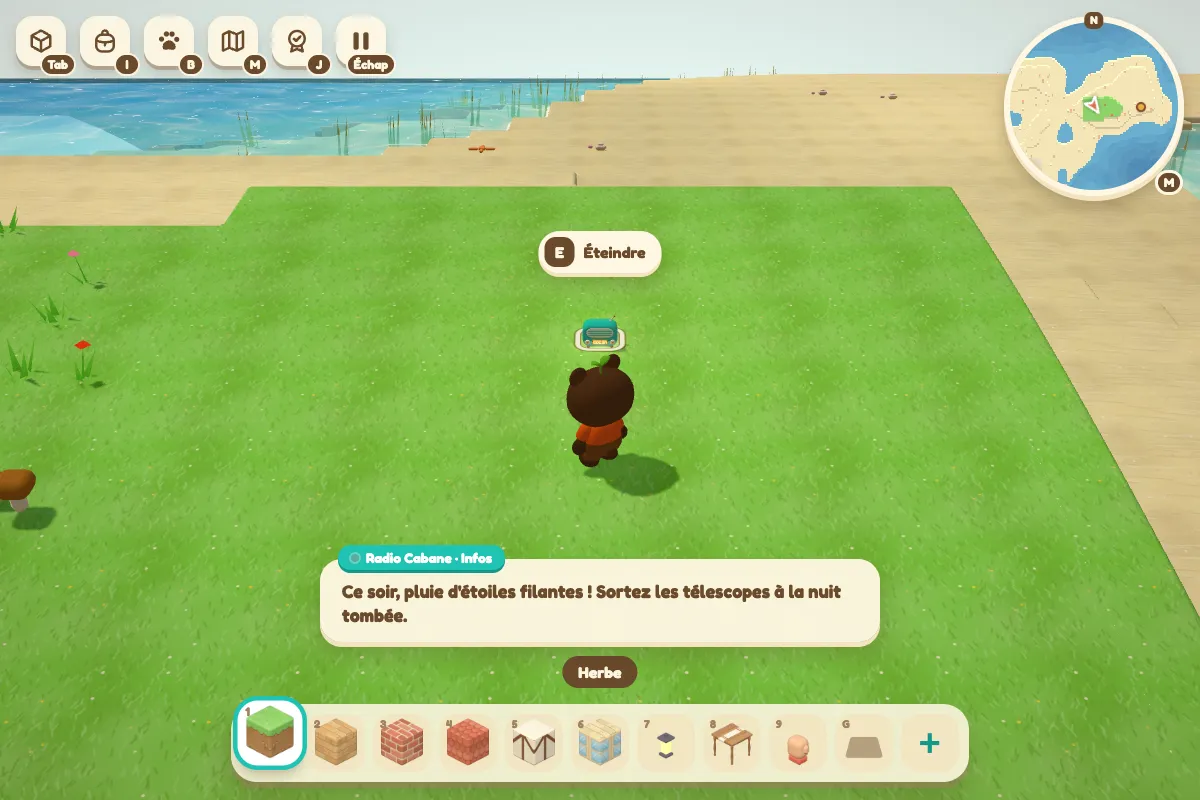
Get the telescope out at the right time
The stars always come first. During the day, the radio forecasts the evening: “A meteor shower tonight! Bring out your telescopes after dark.” Once night falls, it talks about the night in progress: “Shooting stars are falling tonight: quick, to the telescope!”
Its forecasts are never wrong, because it follows the same calendar as the telescopes. No stars this evening? Use the time for your building site or your garden.
Find a good spot for a wind turbine
Next comes the wind report, measured where your radio stands. “Strong winds here: a good spot for a wind turbine.” Or a light breeze, or not a breath of air. The wind changes with height, so carry your radio up the hill to compare.
Track down Bazar and Clapotis
When Bazar the snail is around, the radio tells you which direction he was seen in and roughly how far away, to the nearest ten blocks. The same goes for Clapotis the pirate’s boat, or else: “No pirate boats on our shores at the moment.” Grelot the clown gets a line too, when he is selling the funfair plan.
Directions are always read from the radio you are listening to. Move the set, and the starting point moves with it.
The bulletin ends with the time in your world: “It is 21:40 on Radio Cabane.” After that, the radio only repeats real news as it comes in. Wander off for two minutes and it starts again from the top when you come back.
Put a radio next to your workbench or your chest at game.playcabane.com, then keep an eye on the bottom of the screen.