Online game to play with friends: Cabane multiplayer
Cabane is free to play together in your browser: open a friend’s invitation link or add their server address in the Multiplayer menu.
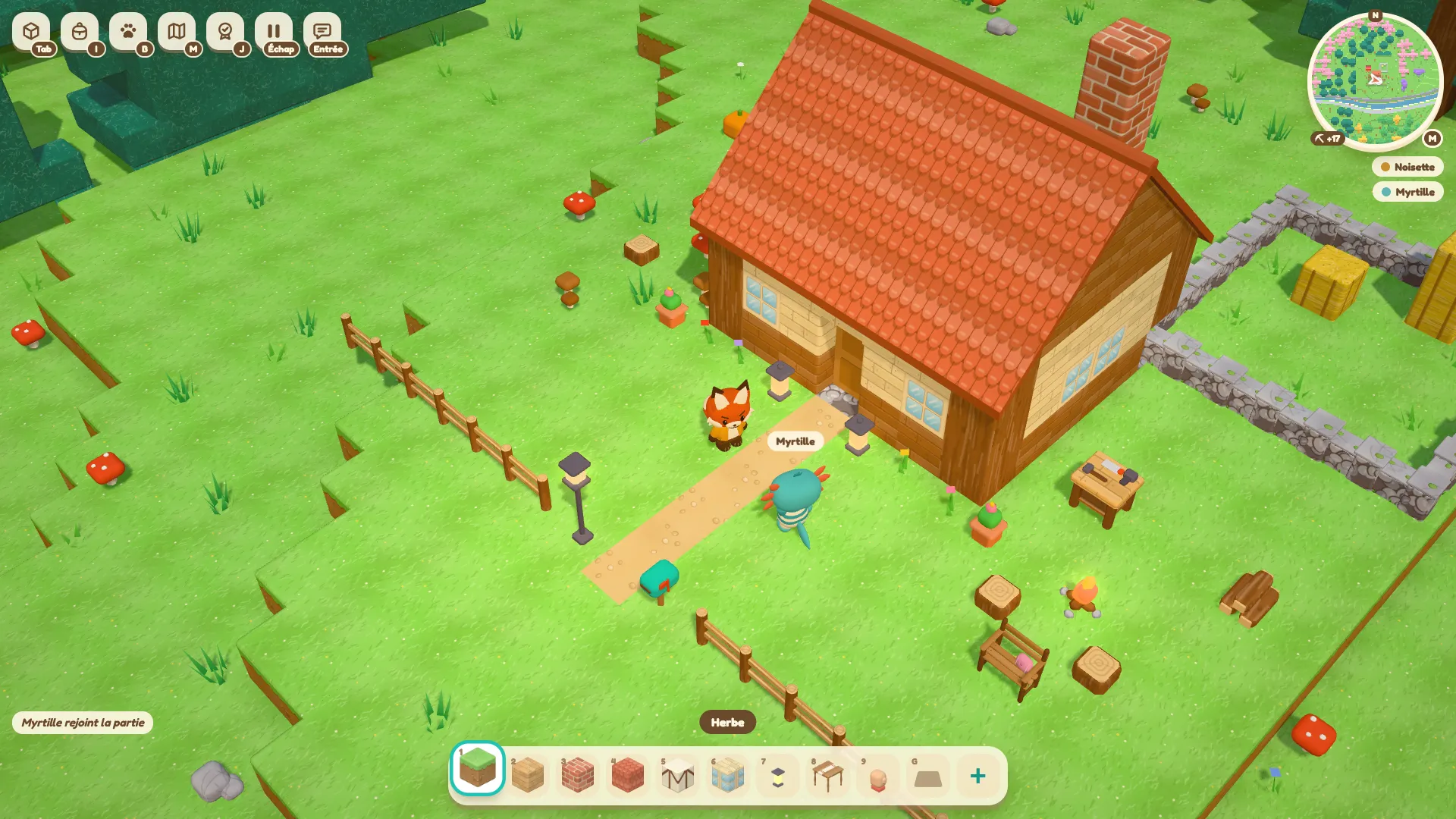
Cabane is free to play with friends in your browser: every player joins the same server. Open the invitation link sent by the person hosting the world, or add their address in the Multiplayer menu.
Join with an invitation
Open the complete link in your browser. It contains the information needed to find the server and, when it is protected, its invitation code. Select the server in the list, then choose Join.
If the game asks for a code, use the original link rather than copying only the domain name. The code may be at the end of the address.
Add the server address
From the Cabane game, open the Multiplayer screen:
- Choose Add server.
- Give it a name and paste the address supplied by the person hosting the game. You can paste a complete invitation link here.
- Confirm with Done, select the server, then click Join.
Direct connection also lets you enter an address to join a game immediately. If the server does not respond, check the address and ask the host whether it is running.
Play on the same network or from different homes
A server running on a computer on your local network lets you play together at home. The host computer must stay on and the server must keep running. A local address does not let a friend elsewhere join directly.
To play from different homes, you need a server accessible over the Internet. The Cabane servers page describes the sizes and terms of the hosting plans. It also states whether orders are open.
What you share in the world
Placed and removed blocks are shared: everyone sees the same building take shape. Chests let you pool items, while each player keeps their own bag. The server administrator manages the game settings.
Start with a project that is easy to divide up, such as the walls and floor of a house. The first building guide covers the initial materials and workbench.